
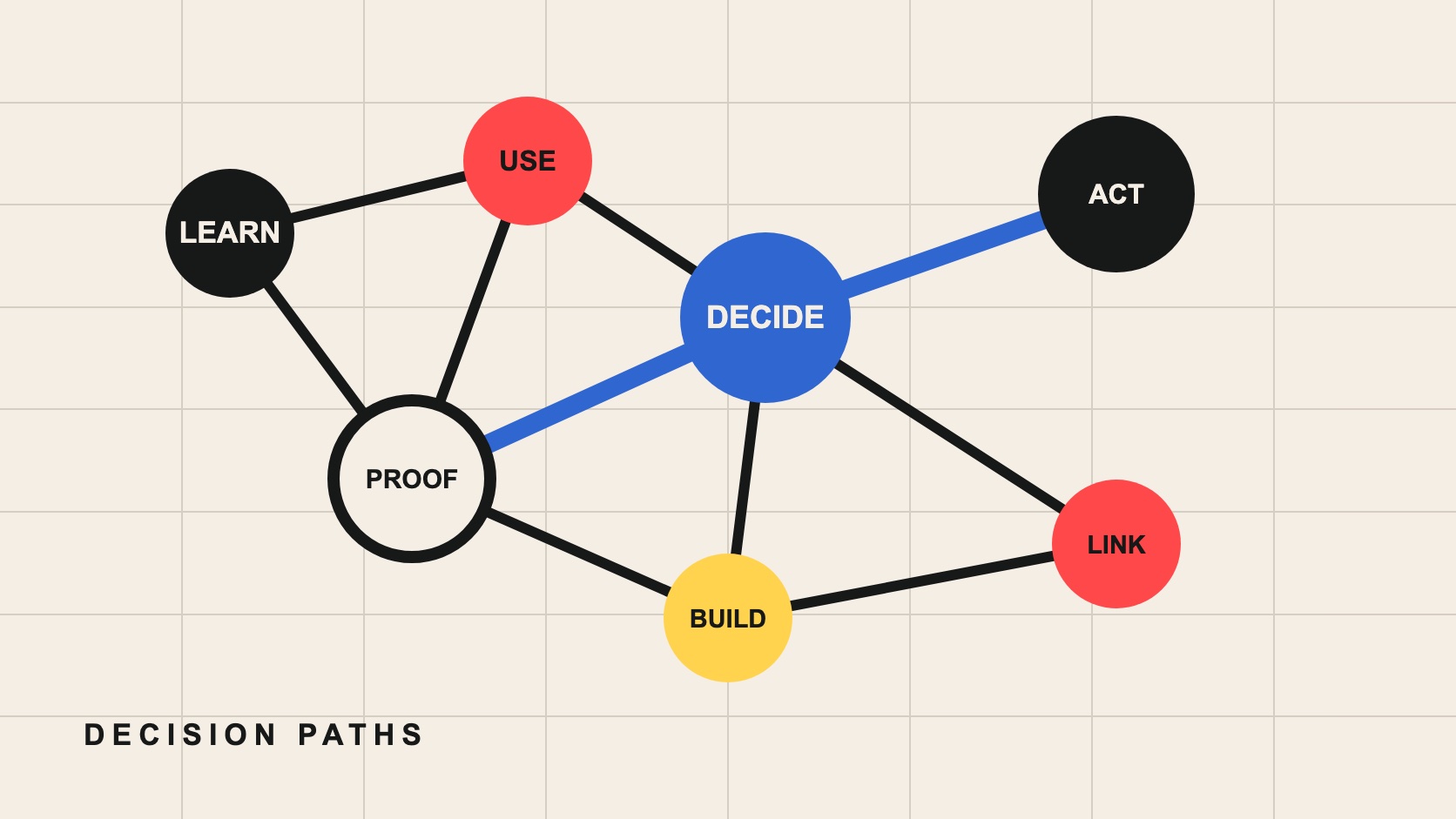
A strong SaaS internal linking strategy connects pages that answer adjacent buyer decisions: learn the problem, understand the mechanism, compare options, inspect proof, evaluate implementation and take action. Every important page should be reachable through relevant crawlable links, but not every article needs to link to every commercial page. Use context and information architecture, not exact-match repetition.
Internal links help people continue a decision and help crawlers discover relationships. They cannot rescue thin content or replace a clear navigation system. Start with the site model and priority journeys before inserting links into paragraphs.
Inventory pages by decision role
Export indexable URLs with title, H1, canonical, traffic, conversions, incoming internal links and content owner. Classify each page as category education, use case, feature, integration, comparison, implementation, proof, pricing or action. Mark duplicates, orphans and pages with no current purpose.
Do not infer quality from link count alone. A deeply technical integration page may need fewer but highly relevant entrances. A core category page may belong in global navigation and multiple contextual journeys. Record the intended audience and next decision.
Design links around journeys
| Current page | Reader's next question | Natural destination |
|---|---|---|
| Category guide | How does the product solve this? | Relevant workflow or service page |
| Use case | Does it work under my conditions? | Product evidence or implementation guide |
| Comparison | What changes if I switch? | Migration, integration or demo |
| Case study | Can I inspect the method? | Related capability and measurement guide |
| Feature page | What broader outcome does this support? | Use case or category hub |
Draw two or three priority paths for each audience. Make sure navigation and contextual links both support them. Search boxes and filters help users, but Google notes that crawlers generally do not submit searches; important pages need ordinary links.
Write descriptive, varied anchor text
Google's link guidance recommends crawlable anchor elements and concise, relevant anchor text. Describe the destination in the sentence: “creator contract checklist” is more useful than “click here.” Do not force the same exact keyword into every link.
Surround the link with context that explains why it is the next resource. Avoid link walls where ten destinations compete without hierarchy. If a related-content module is used, select items by editorial relationship and keep titles accurate.
Build hubs only where the relationship is real
A topic hub should orient the reader, define the category, expose distinct sub-decisions and link to substantial pages. It should not be an empty directory created only to pass authority. Consolidate overlapping articles before adding another layer.
Link supporting pages back to the relevant hub when that helps readers broaden context. Also connect siblings where the sequence is natural, such as brief to contract, comparison to migration, or measurement to experiment design. Avoid a rigid wheel where every page repeats identical blocks.
Keep links technically discoverable
Use real <a href> links to canonical URLs. Test client-rendered navigation in the final HTML and browser. Avoid links that require hover-only interaction, form submission or JavaScript state crawlers cannot reach. Use consistent trailing slashes and redirect retired destinations cleanly.
Check status codes, redirect chains, canonicals, noindex and robots rules. A link to a noncanonical duplicate divides signals and confuses users. Update incoming links during consolidation instead of relying indefinitely on redirects.
Signal importance without manufacturing volume
Google's sitelinks guidance recommends a logical structure, informative headings and linking important pages from other relevant pages. Use prominent navigation for truly central offers and contextual links for specialized decisions.
Do not add sitewide footer links to every article. Sitewide placement can make minor pages appear structurally central and creates visual noise. A focused directory or hub is usually clearer.
Use templates as guardrails, not autopilot
Navigation, breadcrumbs, related-content modules and calls to action create repeatable paths. Assign each template a clear role and limit the number of destinations it adds. A feature template might link to its parent capability, relevant documentation and one proof asset; an editorial template may surface the next guide and an appropriate service.
Inspect links rendered by templates separately from links chosen by editors. If every page receives dozens of identical destinations, the signal becomes less useful and the interface becomes harder to scan. Make template changes against a representative set of page types before releasing them sitewide.
Run an intent-led link audit
Find orphan indexable pages, high-value pages with weak entrances, links to redirects or errors, generic anchors and pages whose outgoing links skip the next decision. Review templates separately from editorial body links so one component does not inflate the analysis.
Prioritize fixes by reader and business value. Add links while substantively updating content; do not insert unrelated anchors into old paragraphs. The content refresh checklist provides a page-level workflow.
Release link changes in inspectable batches
Start with one journey or content cluster, record the changed URLs and expected behavior, and validate the final rendered pages. Crawl the affected area, inspect a sample on mobile, and confirm that analytics events or navigation labels still work. Large automated link injections make it difficult to diagnose both search and usability changes.
Keep an editorial change log with the reason, destination owner and review date. When a product or service changes, the log identifies pages that depend on its language. Remove or redirect obsolete destinations and update the nearby sentence so the link remains truthful rather than merely technically valid.
Assign a named owner to every priority destination. That owner should review incoming anchor context after launches, consolidations and navigation changes. Ownership matters because internal linking decays gradually: a useful route becomes a redirect, an integration changes name, or a comparison stops reflecting the product. A quarterly sample is usually more valuable than a one-time scorecard nobody maintains.
Measure discovery and qualified continuation
Monitor crawl discovery, indexed URLs, internal navigation, assisted conversion paths and the quality of traffic reaching priority pages. A click increase is useful only if the destination serves the reader. Annotation dates help separate link changes from larger releases.
For AI answer systems, clear page relationships and evidence help build a coherent source environment, but links do not guarantee citation. Photura's SEO & GEO workstream can connect architecture, content and ongoing observation.
From decision to brief
Make every important decision reachable in context.
Photura can map the content architecture, repair orphan paths and connect SEO and GEO pages to the commercial journey.
Discuss your briefSources & references
- [1] Google Search Central — Link best practicesOfficial guidance on crawlable links, internal cross-references and descriptive anchor text
- [2] Google Search Central — SitelinksOfficial guidance on logical site structure, informative headings and relevant internal anchors
- [3] Google Search Central — Creating helpful, reliable, people-first contentOfficial quality questions covering originality, completeness, sourcing and authorship