
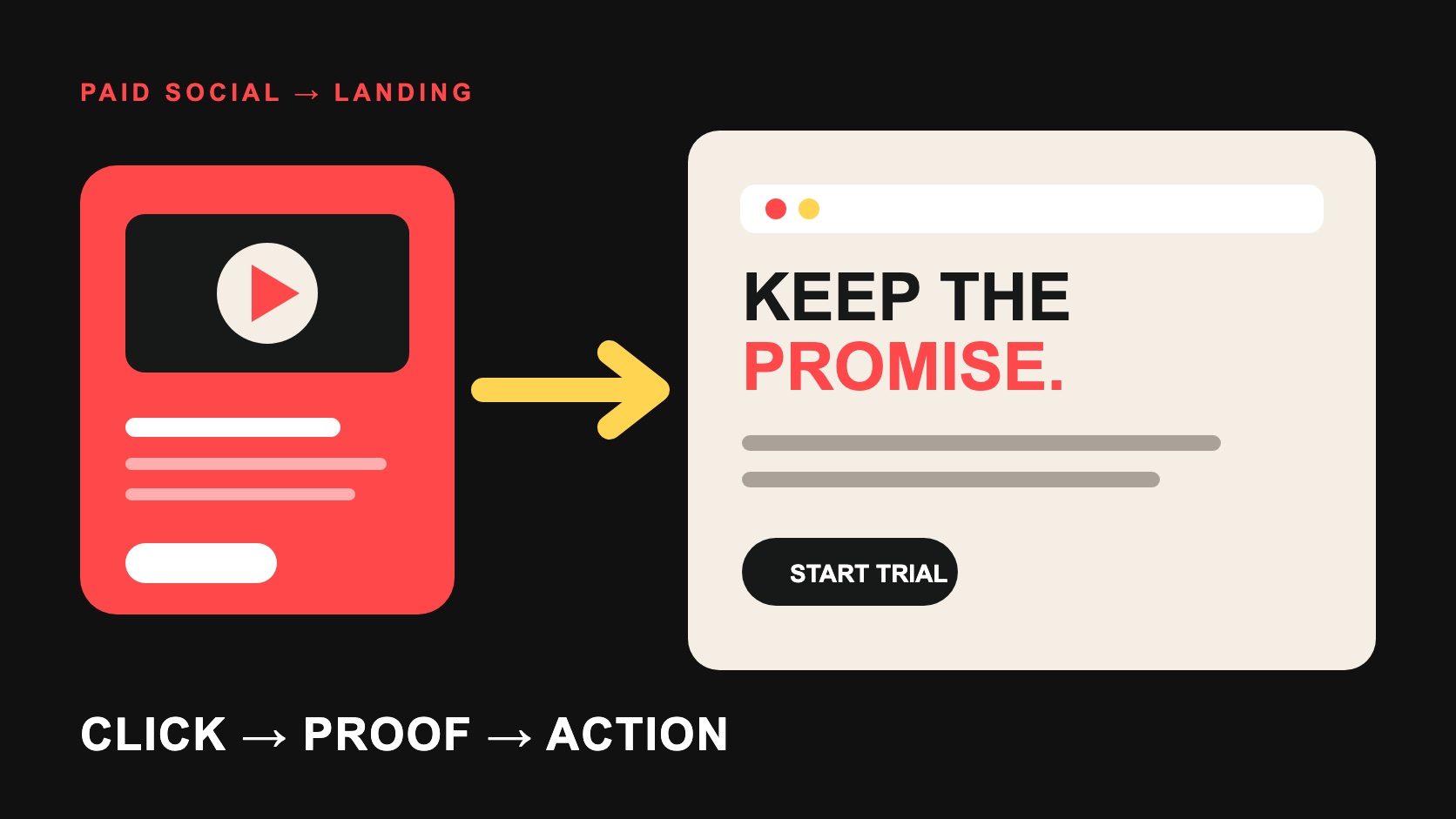
A SaaS paid-social landing page should continue the exact decision begun in the ad: repeat the relevant promise, show credible proof, explain the product in the visitor's context and offer one usable next action. Before spend starts, verify that the final URL works on common devices, loads without obstructive experiences, preserves campaign parameters and records the agreed qualified event.
The page is part of the media system, not a destination handed off after creative approval. An effective ad can expose a weak page faster, while a strong page cannot repair traffic attracted by an irrelevant promise. Review the ad, page and post-conversion experience together.
Match message, audience and offer
Write the ad's audience, problem, promised outcome, proof and call to action in one row. Place the corresponding landing-page element beneath each item. The first screen should make the continuity obvious without repeating every word mechanically. If the ad promotes a developer workflow, the page should not open with generic enterprise transformation language.
Google defines landing-page experience through factors including usefulness, relevance, navigability and whether the page meets expectations created by the ad. Its landing-page documentation also notes that the landing page is the final URL attached to the ad. Treat that URL as a versioned campaign asset with an owner.
Build the page around the buyer's next question
| Page layer | Question it must answer | Failure signal |
|---|---|---|
| Opening | Am I in the right place, and what is offered? | Generic category copy unrelated to the ad |
| Mechanism | How does the product create the outcome? | Claims without product explanation |
| Proof | Why should I believe this for my use case? | Logos or metrics with no context |
| Fit | Who is it for, and what are the limits? | Every visitor is treated as identical |
| Action | What happens after I click or submit? | High-friction form with an unclear response |
Use product screens, workflow diagrams, customer evidence or a concise demonstration when they reduce uncertainty. Define the period and population behind quantitative claims. A customer quote should remain faithful to the approved experience; a selected outcome should not be presented as the expected result for every buyer.
Choose one primary conversion contract
State whether the page offers a self-serve trial, demo request, consultation, asset or waitlist. Label the button with the action, then explain what follows: account creation, calendar selection, qualification or human response. Ask only for information needed at that stage. A longer enterprise form can be rational when routing matters, but unexplained fields create distrust.
Build a useful confirmation state. Preserve campaign context, provide the promised resource, set response expectations and prevent accidental duplicate submission. If the page sends visitors into product signup, test the transition and the first activation step rather than declaring success at the button click.
Verify the destination before launch
Test the final URL, redirects, HTTPS, canonical, mobile viewport, keyboard path, form validation, error handling and analytics events. Confirm that ad and landing domains satisfy platform policy. Google Ads' destination requirements say destinations should be functional, useful and easy to navigate, and identify slow or frustrating experiences and interfering pop-ups as problems.
Run the page on representative devices and network conditions. Check that consent controls do not hide the entire proposition or prevent legitimate navigation. Make sure campaign parameters survive redirects without containing personal information. Validate the real production URL through the platform's destination test when available.
Measure the full qualified path
Define the primary event and the downstream quality signal before launch. A form submit may be the operational conversion, while accepted pipeline, activated account or retained user is the business signal. Connect the systems with stable identifiers that respect consent and privacy rules, then document which dashboard owns each definition.
Monitor landing sessions, successful actions, error rates, qualification and time to follow-up. Segment by campaign, creative concept, audience and market without fragmenting the sample until every row is noise. Differences among platform, analytics and CRM totals are normal when identities, windows and models differ; investigate material gaps rather than forcing equality.
Test a decision, not random page furniture
Start with a hypothesis such as: showing the product workflow before company proof will increase qualified demo requests from technical evaluators. Change the relevant sequence and hold the main traffic conditions stable. Google Ads recommends a clear hypothesis tied to a business goal and warns that concurrent changes make impact harder to interpret.
Prioritize message, proof, offer and action before minor visual details. Decide the minimum evidence and run length before seeing results. If traffic cannot support a clean split, use sequential learning cautiously and label outside changes. No-result and inconclusive tests still belong in the record.
Keep creative and page ownership connected
Create a launch sheet listing every ad concept, destination version, audience, tracking convention, proof owner and approval state. When an ad introduces a new objection or language, decide whether the existing page can answer it. Do not route every campaign to the homepage because it is already approved.
Give one owner authority to pause spend when the destination breaks, a form stops recording or the promise no longer matches the product. Maintain a rollback version and a short release checklist. Marketing should not wait for weekly reporting to discover that a production page changed after campaign approval.
Review qualitative evidence as well as conversion rates. Sales notes, support questions, session recordings collected with appropriate consent and form responses can reveal whether visitors misunderstood the offer. Turn repeated confusion into a new hypothesis; do not patch every comment into the page until the proposition becomes incoherent.
Finally, review the page in the context of the ad platform preview and the live navigation around it. A landing page can be clear in isolation yet feel inconsistent when the ad, browser label, cookie notice and next product screen appear together. The whole sequence creates the visitor's judgment.
The paid-social creative testing guide covers the upstream test plan, and the budget allocation guide protects readiness and learning spend. Photura's Distribution & Growth service can connect media, creative and landing decisions in one operating loop.
From decision to brief
Make the click and the page one continuous decision.
Photura can align paid creative, landing-page proof and controlled testing around the qualified action your campaign needs.
Discuss your briefSources & references
- [1] Google Ads — Landing pageOfficial definition of landing-page experience and its relevance to Quality Score
- [2] Google Ads — Destination experienceOfficial policy requiring ad destinations to be functional, useful, safe and easy to navigate
- [3] Google Ads — Test with confidence with the Experiments pageOfficial guidance on clear hypotheses, controlled changes, experiment records and decisions