
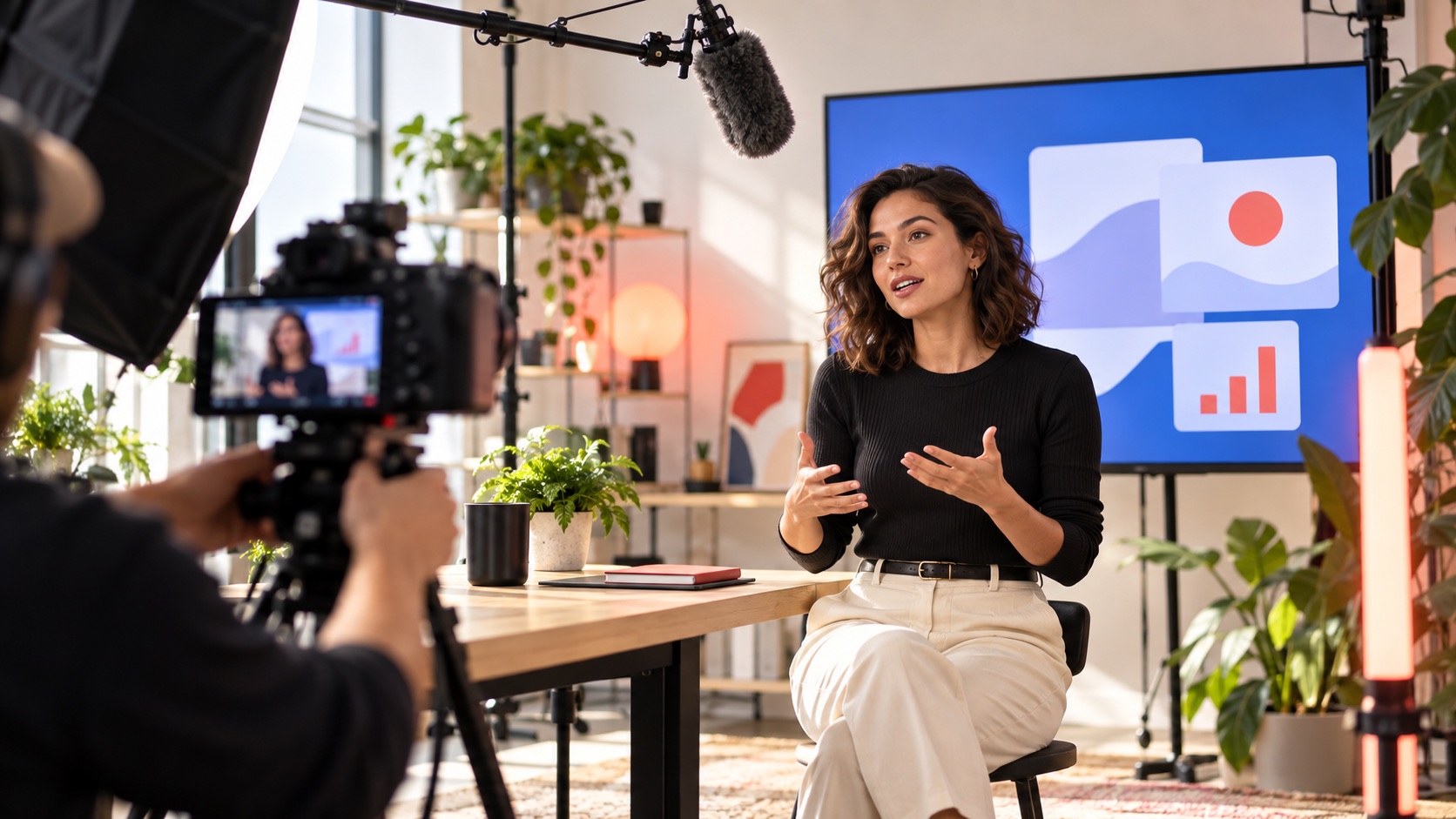
To repurpose a SaaS webinar well, design the original session as a set of self-contained ideas, then turn each idea into the format best suited to its buyer question. Preserve the source context, claim qualification and speaker meaning. The goal is not to produce the maximum number of clips; it is to create a coherent system of useful assets that can be discovered, understood and acted on independently.
A weak webinar produces weak derivatives. If the session is a long product pitch with no modular structure, editors must manufacture hooks after the fact. Plan chapters, demonstrations, objections, examples and transitions before recording.
Design a modular run of show
Define the audience, one main decision and four to six supporting questions. Give each segment a clear opening, explanation, evidence and conclusion. Avoid references such as “as we said twenty minutes ago” that make clips incomprehensible. Repeat essential context naturally when a new section begins.
Write planned moments for the category problem, product mechanism, customer or operational proof, common objection, implementation and next step. Do not script every sentence. The speaker needs room for natural expertise, but the producer needs reliable edit points.
Capture a localization- and edit-ready master
| Capture layer | Why it matters | Production choice |
|---|---|---|
| Speaker | Creates the primary narrative | Clean camera, eyeline and isolated audio |
| Product | Shows how the claim works | High-resolution screen capture in an approved environment |
| Slides | Preserves diagrams and evidence | Export clean source frames, not only a compressed stream |
| Transcript | Supports editing, captions and article drafting | Timecoded, speaker-labelled and reviewed |
| Rights | Controls derivative use | Clear speakers, music, customer marks and paid distribution |
Record locally where possible rather than relying only on platform output. Keep separate audio tracks and textless visuals. Capture a clean demonstration without presenter overlays so vertical, square and localized variants can be built later.
Map derivatives to buyer questions
Create one anchor page or full video, a concise article, chapter summaries, short clips, product moments, quote cards and sales-enablement extracts only where each format has a job. A 30-second clip may introduce an objection; the full chapter should provide evidence and caveats.
Do not publish the same edit everywhere. A search-led article needs definitions and crawlable evidence. A short social clip needs one complete idea. A sales follow-up needs relevance to a known objection. An email needs a reason to click beyond “watch our webinar.”
Use platform tools without surrendering editorial control
YouTube's Clips & Shorts workflow can derive new uploads from existing long-form videos and recommends linking clips to the source. Its chapter guidance allows timestamped sections with individual previews. Use these features when they fit, but keep your own source, transcript and asset register.
Write descriptive chapter titles that answer actual questions. Review automatic suggestions rather than publishing blindly. Platform features and eligibility can change, so verify the channel's current controls before committing a production promise.
Preserve claims and context
A short edit can turn a qualified statement into an absolute one. Keep the population, period, product version and limitation when a result depends on them. If a cut cannot fit necessary context, choose a different moment or send viewers directly to the full source.
Review on-screen product states and customer references. Remove confidential information and label illustrative examples. Do not turn a speaker's speculation into an approved roadmap announcement simply because the sentence makes a strong hook.
Label commercial content accurately
If a partner, publisher or creator distributes paid derivative content, make its commercial nature clear. The FTC's native advertising guidance says ads should be identifiable as ads and necessary disclosure should be clear and prominent. Other markets have their own standards.
Keep owned educational edits, earned coverage and paid placements distinct in the asset register. A logo alone may not explain sponsorship. Review disclosure in every crop and placement, including thumbnails and feeds where viewers decide before opening the full content.
Turn the transcript into an editorial source, not a transcript dump
Build the article around the reader's question rather than the event chronology. Remove greetings, repeated setup and spoken filler, then verify every technical statement against the recording and current documentation. Add definitions, links and examples that make the written version independently useful. Attribute speaker judgment and do not convert conversational uncertainty into a definitive brand claim.
Use the transcript to locate evidence, not as automatic publish-ready copy. Machine transcription can mishear product names, numbers and qualifications. A subject owner should review passages that affect security, performance, pricing, availability or customer results. Keep the final article linked to the relevant recording segment for future refreshes.
Run a derivative production board
Track source timecode, target question, format, channel, owner, copy, evidence, rights, review state and destination URL. Reuse the approved language and source frame, but adapt the opening and call to action. Name files by source, topic, locale, ratio and version.
Prioritize a small first wave within days of the event, then build evergreen assets after reviewing audience questions. Do not make the launch wait for every derivative. Preserve a backlog of strong moments linked to future content needs.
Plan localization from the source outward
Decide which ideas travel unchanged and which depend on a market, product edition or legal context. Give local reviewers the source meaning, approved terminology and editable files. Translate the claim and qualification together; a localized hook should not become broader than the evidence it came from.
Leave room for longer captions and voiceover, and avoid baking unnecessary text into the only clean master. Check examples, idioms and calls to action with people who understand the target market. One global crop may be efficient, but it is not automatically relevant or compliant everywhere.
Measure the system, not clip volume
Track whether each asset reaches the intended audience and moves the intended decision: source-video depth, article discovery, qualified site behavior, sales use and repeated objections. Views across unlike formats are not a unified success metric.
Feed learning into the next session's structure. The video-localization checklist helps plan multi-market versions, while Photura's Launch & Creative service can connect the master recording and performance derivatives.
From decision to brief
Plan the content system before the camera rolls.
Photura can shape the live story, production system and channel-specific derivatives as one connected creative program.
Discuss your briefSources & references
- [1] YouTube Help — Video Clips & Shorts in YouTube StudioOfficial workflow for deriving clips and Shorts from existing long-form videos
- [2] YouTube Help — Video ChaptersOfficial guidance on chapter timestamps and section previews
- [3] FTC — Native Advertising: A Guide for BusinessesUS staff guidance on clearly identifying sponsored editorial-style content